
Add cards to Apple Wallet
Best Pass2U Wallet - Add store card Images and Marketing Description
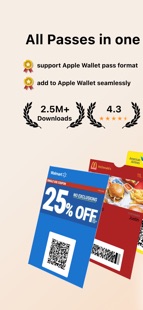
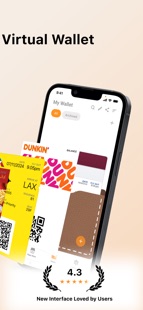
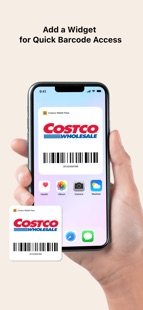
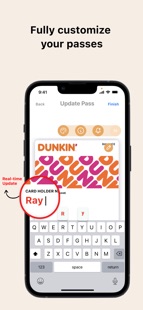
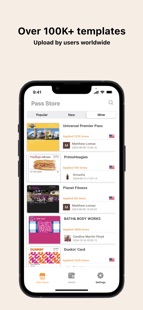
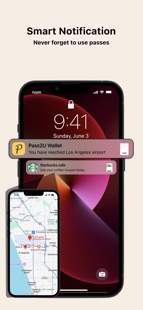

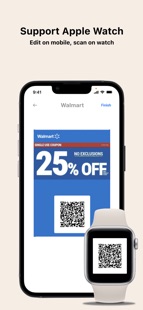
Pass2U Wallet offers an all-in-one digital card solution, bringing together your store cards, coupon, boarding passes, business cards, and more into one platform. With fully customizable designs and seamless integration with Apple Wallet, you can effortlessly manage all your online and offline passes and skip the lines with ease!
Main features
Create, store and manage a wide variety of passes, including (but not limited to): membership cards, store cards, event tickets, coupons, gift cards, reward cards, boarding passes, transportation tickets, business cards, identity cards, and etc.
Easily scan barcodes or import from photos to digitize your cards.
Personalize passes with custom templates and see real-time updates while editing.
Automatically receive notifications based on event dates or your location.
Apply hundreds of pass templates or design your own in the Pass Store.
Backup and restore passes via iCloud or Google Drive.
Pass2U does not record any personal information nor save any details about passes you create.
Some features are included in Pro version.
Supported Barcodes
Default type:
Code 128 (not supported by Apple Watch)
QR code
Aztec code
PDF417
Not supported by Apple Wallet, they will be converted into strip images:
Code 39
Code 93
Code-39 Mod 43
EAN-8
EAN-13
UPC-A
Frequent Questions
How can I backup all of my passes?
You can go to the setting of iPhone > Apple ID > iCloud > turn on Wallet. Once you would like to use another iPhone, you can log in with the same Apple ID and turn on Wallet for iCloud. Then you will see the passes issued by Pass2U on Pass2U Wallet.
How can I issue a lot of passes?
You could go to https://www.pass2u.net/ to design the models and send the passes to your customers.
If you have any comment or feedback about Pass2U Wallet, we’d love to hear you at [contact@micromacro.com.tw].
Pass2U Wallet - Add store card Revenue and Downloads
Measure Pass2U Wallet - Add store card performance and get insights with AppstoreSpy data you won’t find anywhere else using our Analytics, Revenue Stats ans Trends.
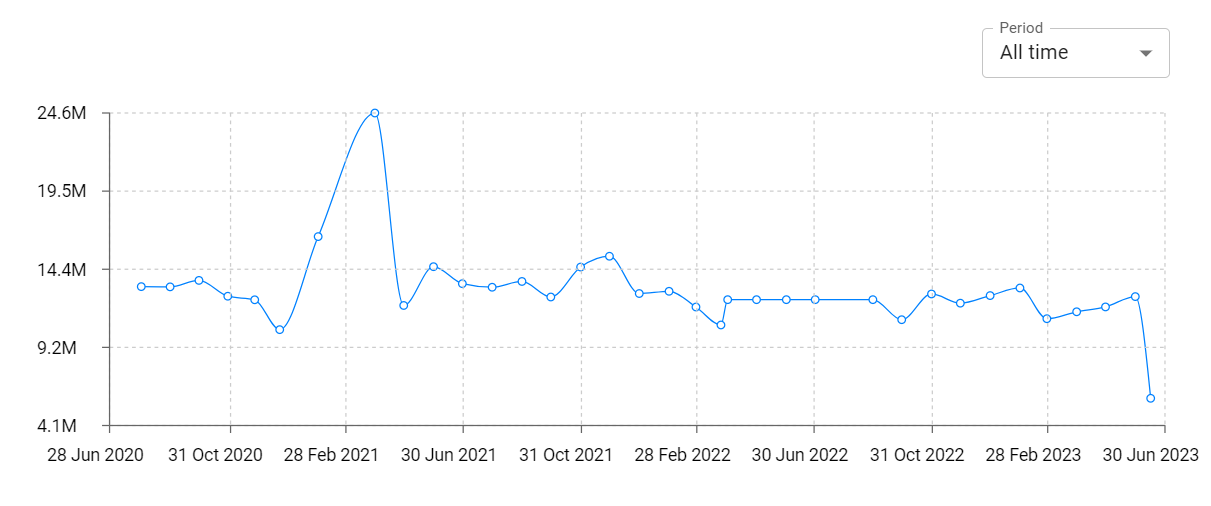
Pass2U Wallet - Add store card Global Top Charts: Interactive Map of Country and Category Rankings
Pass2U Wallet - Add store card Revenue and Installs Distribution by Countries
Pass2U Wallet - Add store card Changelog

App contains SDKs
Pass2U Wallet - Add store card Ad сreatives

Pass2U Wallet - Add store card Paywalls

