
Separated Apps
Designed for enterprises that need to protect sensitive work data.
4.0 ★
Designed for enterprises that need to protect sensitive work data.
Best Separated Apps Images and Marketing Description


App information
Designed for enterprises that need to protect sensitive work data, Knox Separated Apps allows IT admins to separate third-party apps from corporate apps on fully managed devices.
“"IT admins use Separated Apps to isolate apps on managed devices. This app isn’t intended for personal use."
How it works
- After an enterprise IT admin installs work apps on fully managed devices through a UEM, they can enable Separated Apps and select certain apps to install in the secure, separate area.
- By default, the following apps are available in the Separated Apps area.
.Google Chrome
.Microsoft Office (depending on the device model)
.Samsung Calendar
.Samsung Camera
.Samsung Gallery
.Samsung MyFiles
.Samsung Video
For more details, see the Knox SDK documentation.
The following permissions are required for the app service. For optional
permissions, the default functionality of the service is turned on, but not allowed.
[Optional permissions]
- Notifications : Used to provide you
Separated Apps Revenue and Downloads
Measure Separated Apps performance and get insights with AppstoreSpy data you won’t find anywhere else using our Analytics, Revenue Stats ans Trends.
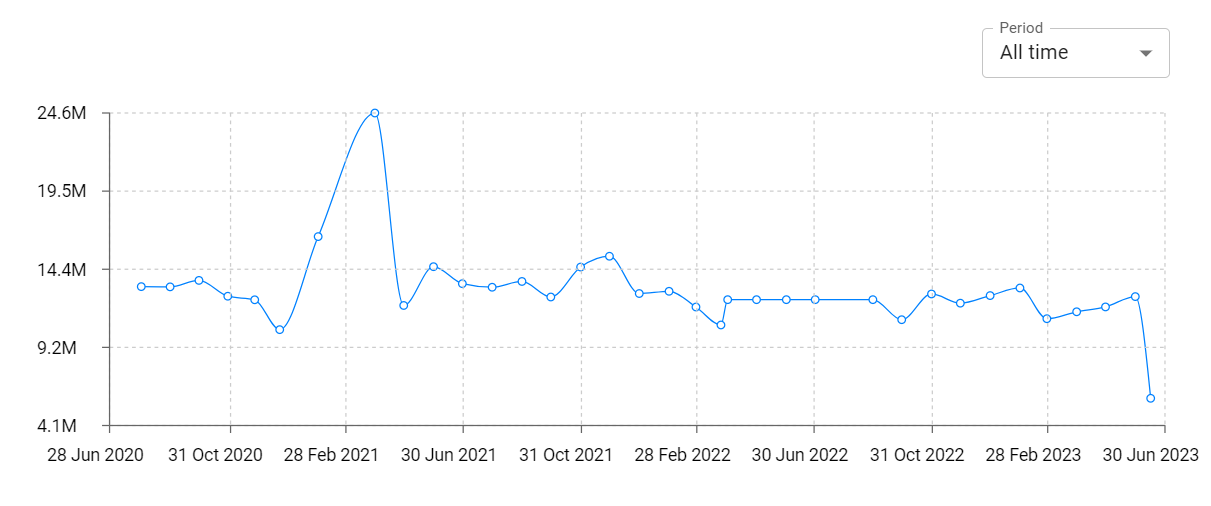
Separated Apps Total Installs and Downloads charts
Explore Separated Apps Total Installs to gain a deeper understanding of the app
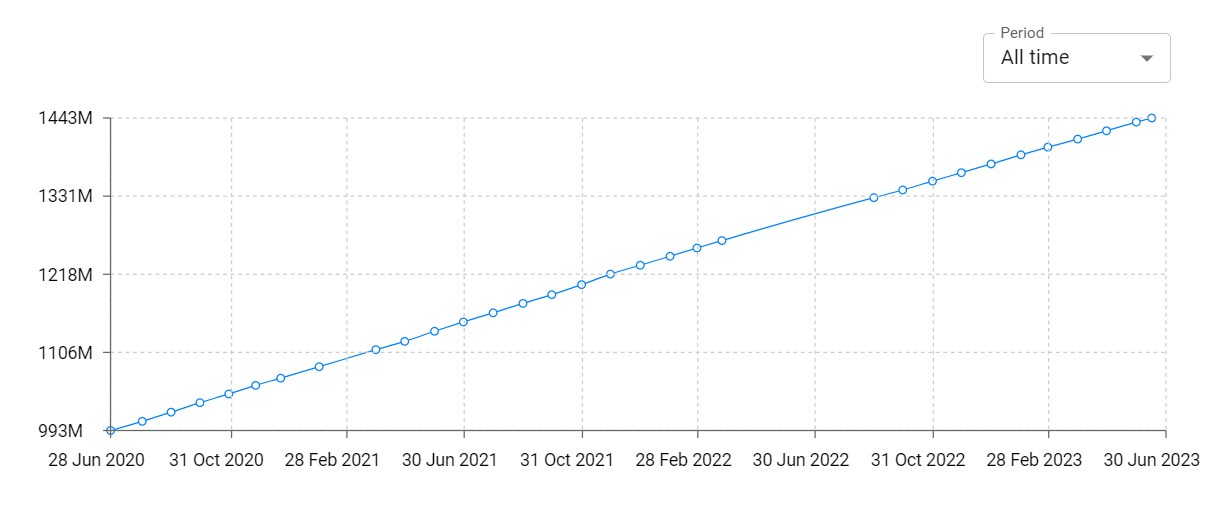
Separated Apps Daily Installs and Downloads charts
Explore Separated Apps Daily Installs to gain a deeper understanding of the app
Separated Apps Global Top Charts: Interactive Map of Country and Category Rankings
Separated Apps Revenue and Installs Distribution by Countries
Separated Apps Changelog

